



Build Tech Skills After School
Weekly, hands-on sessions where children explore coding, robotics, and digital creativity in a structured, supportive environment—designed to fit smoothly into the school week and grow skills over time.

Age Group
Ages 6–13
Structure
5 Periods
Duration
2 Days
Schedule Options
Afternoon



How the Weekend Workshops Works



Explore Themes That Spark Creativity
Explore different tech themes throughout the year, giving your child new ways to create, build, and grow skills after school.



Quickly view upcoming start dates and easily filter by age group to apply online in just a few clicks.
Arrival & Warm-Up
We start each day with simple icebreakers and quick thinking challenges to help kids settle in, feel confident, and get energized before diving into the main activities.

Learn & Explore
Instructors introduce the day’s topic through short, age-appropriate lessons. Concepts are explained in a fun, visual way so every child—beginner or experienced—can follow along comfortably.
Build & Create
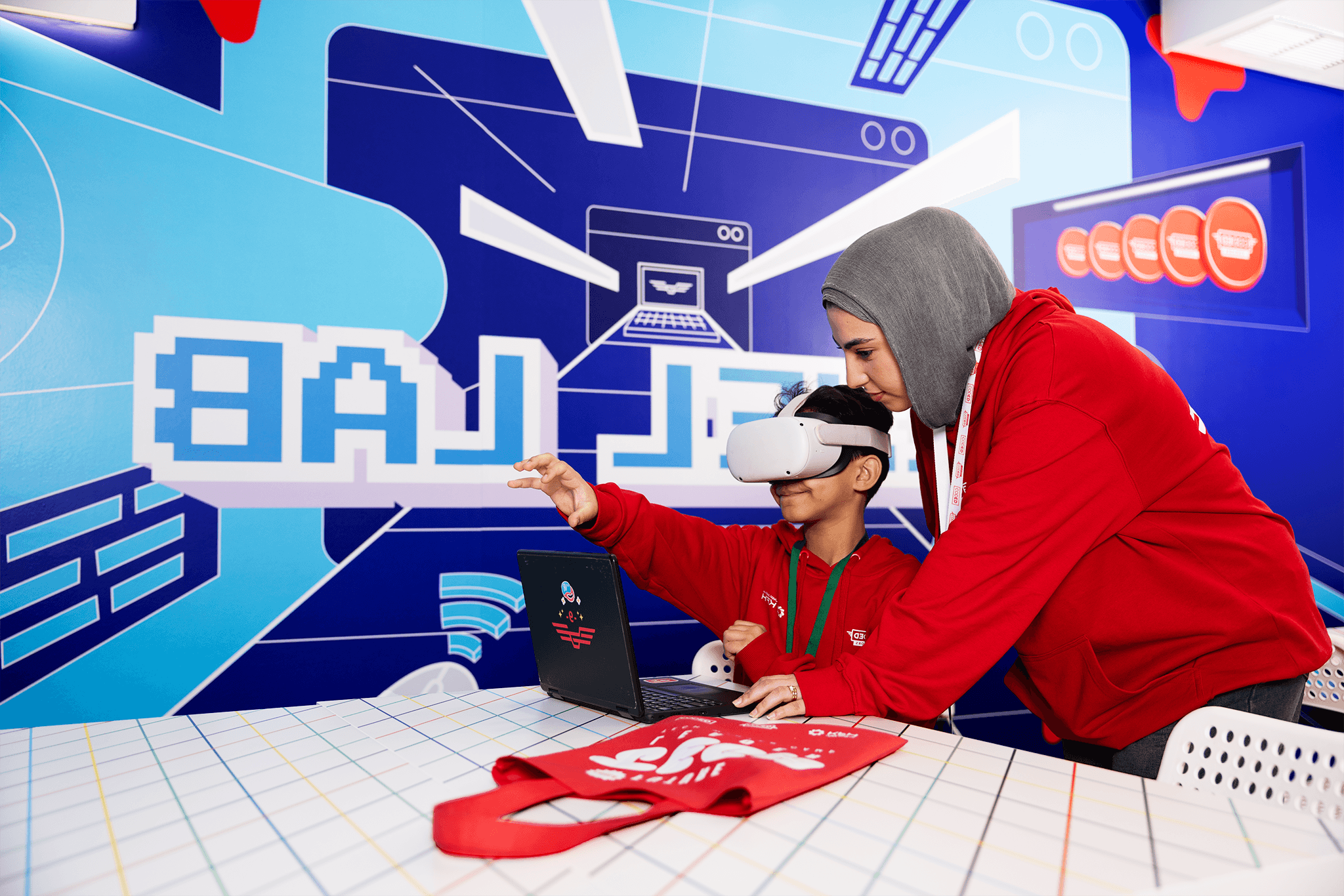
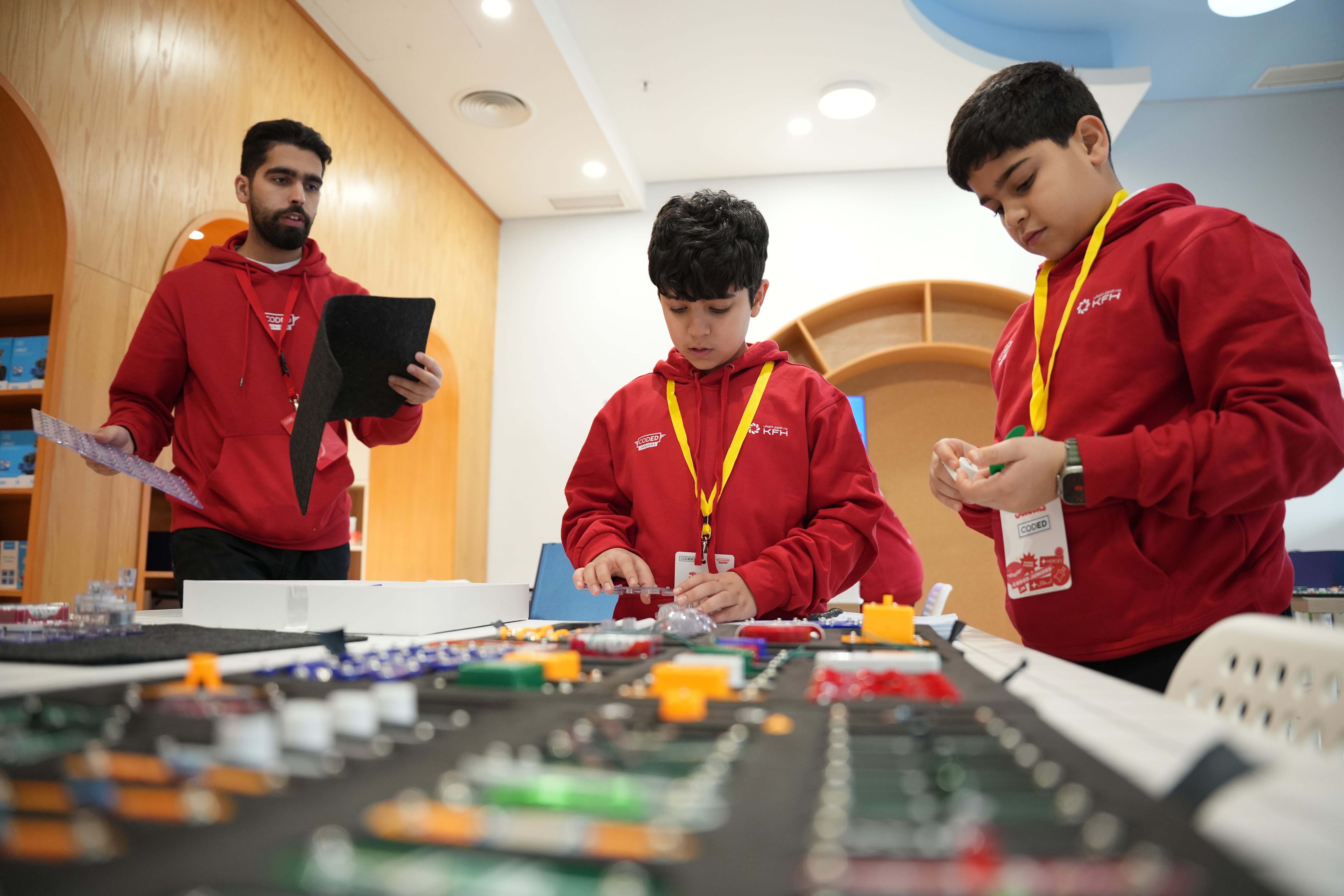
This is the heart of the day. Students work individually or in small groups to build their projects—coding games, designing VR scenes, experimenting with circuits, or creating with AI—guided step-by-step by instructors.

Breaks & Games
Students take screen-free breaks with movement games and social activities. This keeps them refreshed, resets their focus, and encourages teamwork and bonding.
Challenges & Showcases
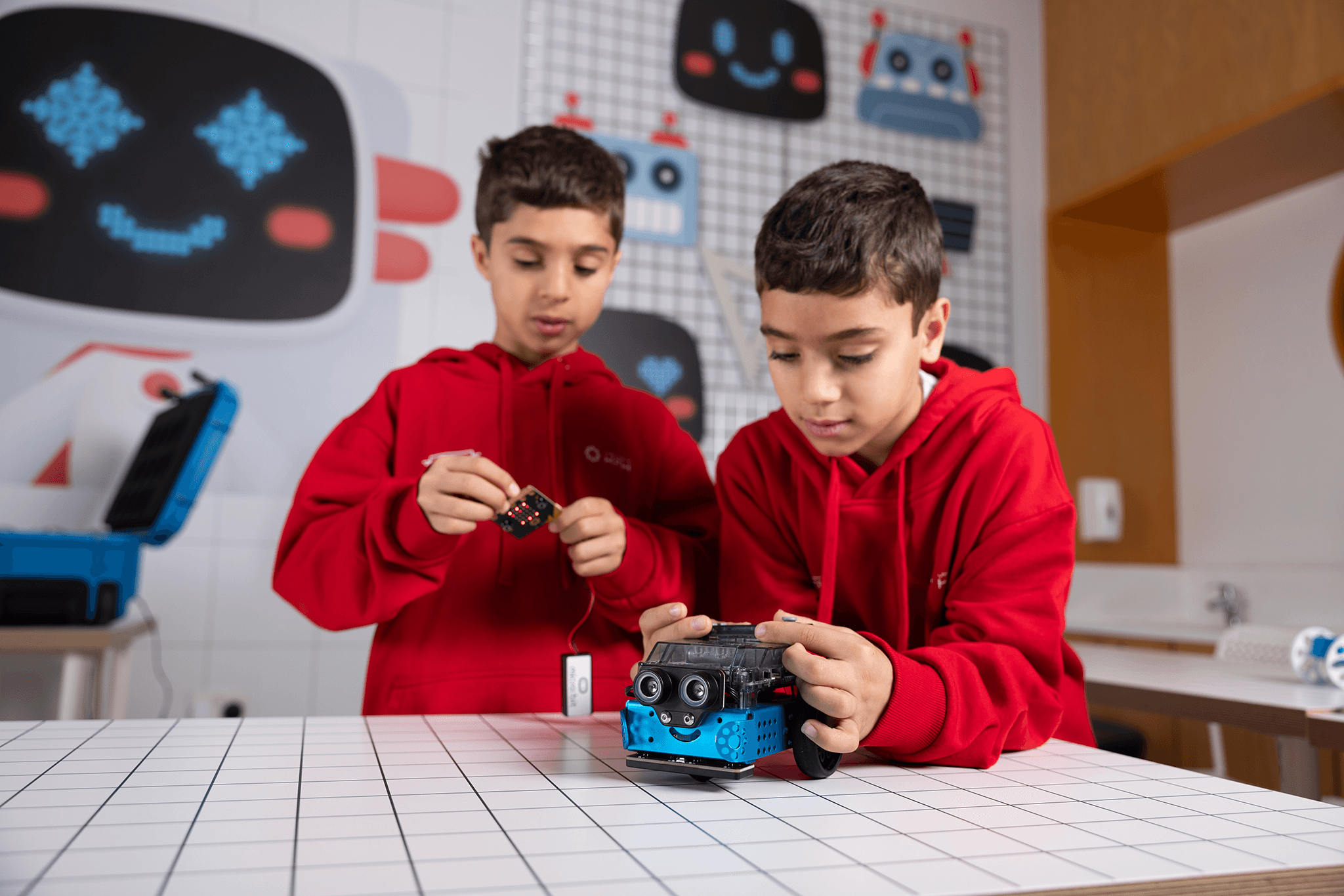
At the end of each session, students share what they built or participate in mini-challenges. This helps them practice communication, gain confidence, and celebrate their progress with their peers.
Safety, Supervision, and Peace of Mind
Your child’s safety and wellbeing come first. We design our spaces, schedules, and policies with parents in mind.



Flexible Options for Every Family
Choose the weekend option that fits your family. Start with a single 1-day workshop to try the experience, or pick a 2-day Weekend Project for more depth and a bigger final outcome. Both options include sibling discounts and flexible bundles, so you can mix and match weekends throughout the term.
Test The Waters
1-Day Workshop (3–4 Hours)
Starting from
KD 25
A single, high-energy workshop perfect for testing your child interest with a new experience or adding a fun learning day to your child’s weekend.
Build Deeper Skills
Weekend Project (2 Days)
SAVE 75% - KD 85 OFF
Starting from
KD 25
A two-day project for families who want more for their kids. Learners start and finish a complete hands-on project over the weekend.
Juniors App:Your All-in-One Camp Management Tool
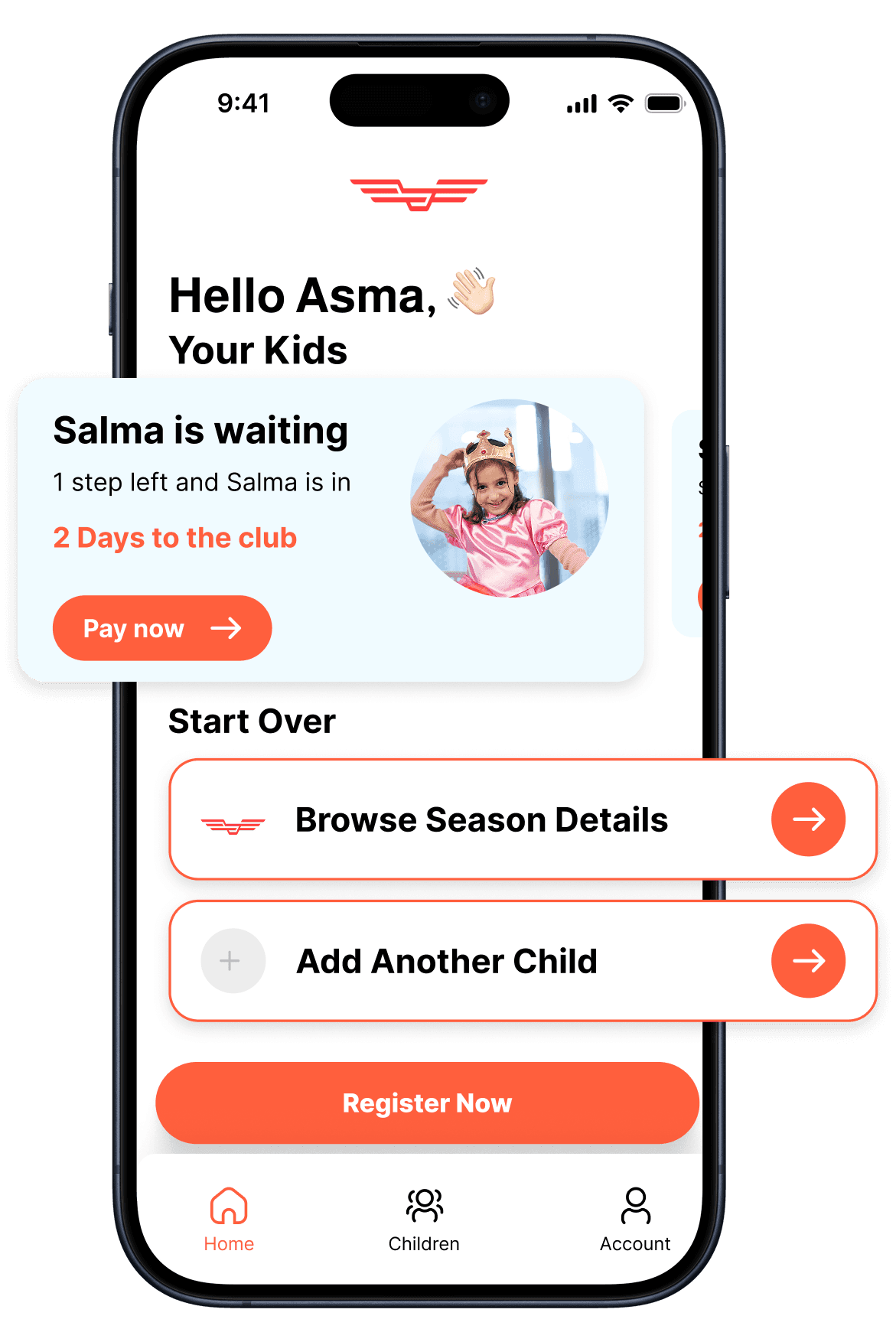
Simplify your child's tech camp experience! Effortlessly handle camp enrollments, track your child's progress, and make secure, flexible payments directly from your phone.
Manage Subscriptions & Scheduling
Easily view, modify, and schedule your child's camp periods and time slots all in one place.
Track Progress & Attendance
Stay informed with real-time updates on your child's learning achievements and daily attendance records.
Flexible Payments & Instant Discounts
Enjoy secure payment options and automatically apply exclusive discounts, like sibling and bank offers, instantly at checkout.
Can I Track My Assignments and Grades?
Yes, the LMS offers a “Gradebook” where students can view their grades, monitor feedback on assignments, and check upcoming due dates. Instructors can also post grades and comments for each submission.
Does the LMS support video lessons and live classes?
Yes, the LMS offers a “Gradebook” where students can view their grades, monitor feedback on assignments, and check upcoming due dates. Instructors can also post grades and comments for each submission.
How can I communicate with my instructor?
Yes, the LMS offers a “Gradebook” where students can view their grades, monitor feedback on assignments, and check upcoming due dates. Instructors can also post grades and comments for each submission.
What support is available for students and instructors?
Yes, the LMS offers a “Gradebook” where students can view their grades, monitor feedback on assignments, and check upcoming due dates. Instructors can also post grades and comments for each submission.
Are there interactive features for students?
Yes, the LMS offers a “Gradebook” where students can view their grades, monitor feedback on assignments, and check upcoming due dates. Instructors can also post grades and comments for each submission.